Debt Snowball Worksheet: What to Fill In and How to Roll Payments Over
Debt snowball worksheet guide: list balances, minimums and due dates, sort smallest to largest, then track each rollover with a clear sample layout.
By Debt Payoff Planner by Cosmo Suite · Editorial policy
Published · 7 min read
A debt snowball worksheet keeps each debt's balance, required minimum and due date beside the payment that rolls forward. Sort the balances from smallest to largest. Pay every minimum, then send the extra amount to the first debt on the list.
After a balance reaches zero, update the next row and keep the total payment steady if you can. Add the paid debt's former payment to the next one. This guide shows what to write in each row, how to use a paper form or spreadsheet, and how to check the rollover.
Your date, from the sample below:
- Payoff order: store card, medical bill, credit card, car loan.
- Debt-free month: January 2029, starting November 2026, with $100 extra per month.
- Change that moves the date most: raising the extra to $200 brings the sample date to August 2028. Using avalanche order with $100 extra gives December 2028.
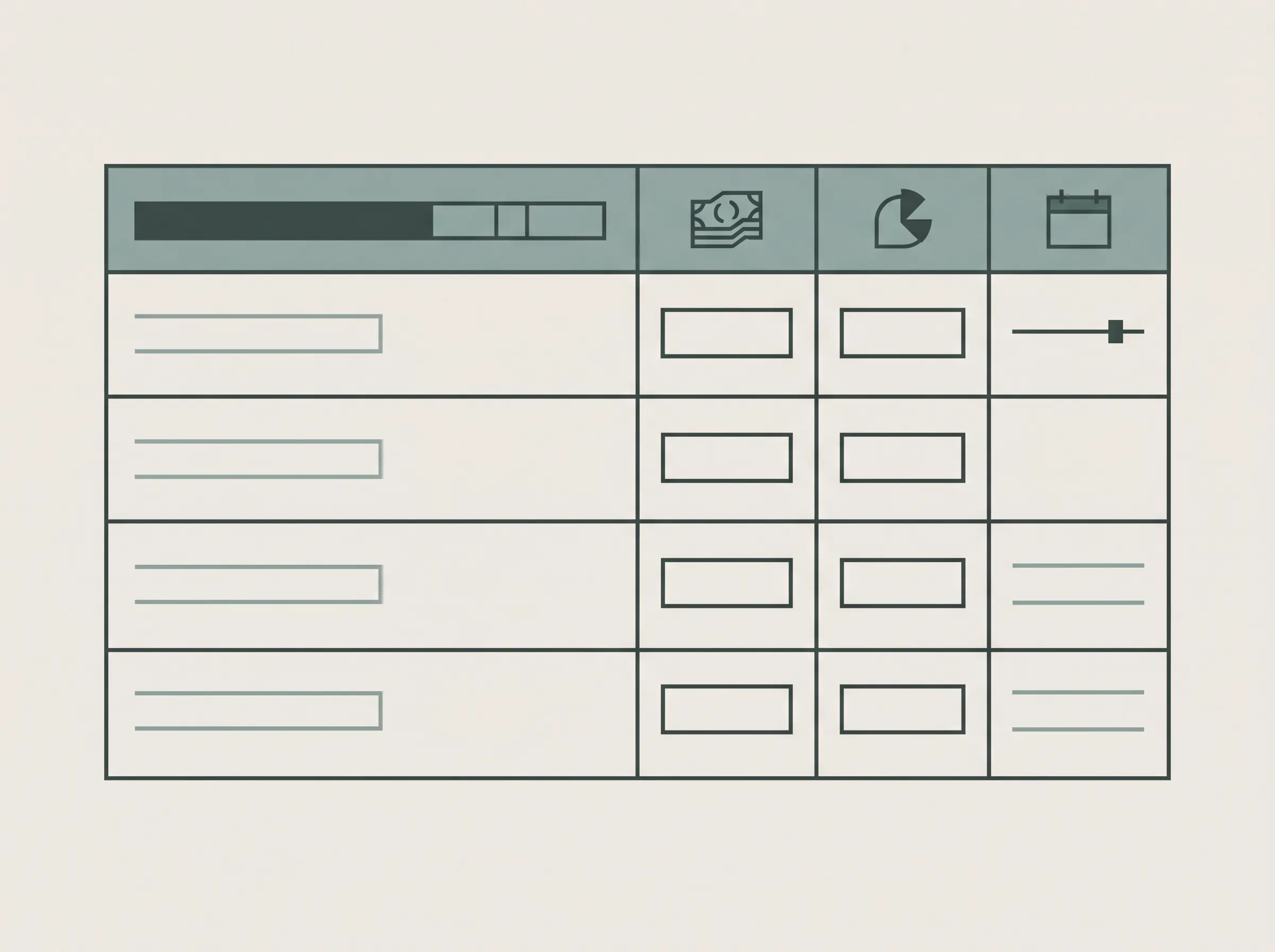
Quick layout: debt name, current balance, APR, minimum, due date, planned extra, payment sent, new balance, and next review date.
What a Debt Snowball Worksheet Does
A debt snowball worksheet is a record of the debts you plan to repay, ordered by current balance from smallest to largest. You keep paying the required minimum on each debt and direct any extra amount to the first one. When it is cleared, its payment joins the amount going to the next debt.
The Consumer Financial Protection Bureau's debt reduction worksheet describes the same basic sequence: choose an order, list debts, set an extra payment, then redirect the entire payment to the next debt after a payoff. Its companion debt worksheet includes monthly payment, due date, interest rate, amount outstanding and payoff goal fields. Those fields make a practical starting point for your own sheet.
Debt Snowball Worksheet Layout at a Glance
Use one row per debt and keep the order visible. Every account name and amount in this sample is fictional.
| Order | Debt label | Balance | APR | Minimum | Due date | Planned payment | Last checked |
|---|---|---|---|---|---|---|---|
| 1 | Store card | $420 | 0% sample rate | $35 | 8th | $135 | Oct 28, 2026 |
| 2 | Medical bill | $860 | 0% sample rate | $50 | 15th | $50 | Oct 28, 2026 |
| 3 | Credit card | $2,450 | 24% sample rate | $75 | 21st | $75 | Oct 28, 2026 |
| 4 | Car loan | $8,900 | 7% sample rate | $280 | 27th | $280 | Oct 28, 2026 |
| Total | $12,630 | $440 | $540 |
Here, the sample monthly debt payment is $540: $440 in minimums plus a $100 extra payment. The first row gets $135, which is its $35 minimum plus the $100 extra. The other rows receive their minimums. Use your actual statements to fill in your own balances, APRs, minimums and due dates.
Running the Sample on Real Numbers
With the four sample debts, the snowball order is store card, medical bill, credit card, then car loan. At $100 extra each month, the total payment is $540 and the last balance reaches zero in January 2029. Every balance and rate above is sample data, not a typical result.
For this estimate, interest is added monthly at APR ÷ 12. Minimums stay fixed while each balance remains open, there are no fees or new charges, and payments are made at month end. The $100 extra goes to the smallest remaining balance after minimums. Once an account is cleared, its payment rolls to the next balance.
| Sample plan | Extra per month | Estimated debt-free month | Months from Nov 2026 |
|---|---|---|---|
| Snowball | $100 | January 2029 | 27 |
| Snowball | $200 | August 2028 | 22 |
| Avalanche | $100 | December 2028 | 26 |
On this sample list, the extra payment changes the date more than the order. Raising extra from $100 to $200 moves the snowball estimate five months earlier. Using avalanche instead of snowball with $100 extra moves it one month earlier. Your balances, rates, payment dates and fees will change the estimate.
How to Fill In Each Column
Start with the current statement. Each column answers a different question, and the figures need to match the latest account information.
- Debt label: use a clear name such as “Store card” or “Car loan.” Avoid putting a full account number on a worksheet you might share.
- Current balance: copy the current amount from the creditor's latest statement or account page. Record the date you checked it.
- APR: enter the rate shown for that balance. If a credit card has different rates for purchases and transfers, note which one applies and confirm it with the issuer.
- Minimum payment: enter the amount currently due. Pay the creditor by its due date; the worksheet records your plan.
- Due date: record the date shown by the creditor. This is a reminder field, not a replacement for the creditor's notices.
- Planned payment: put the minimums on every debt, then add the available extra to the smallest balance. If you cannot cover a card minimum, the CFPB explains how to contact the issuer and consider credit counseling.
- Payment sent and new balance: after a payment posts, record what you paid and copy the updated balance from the account. Re-sort using the new balance; a row's previous position may change.
The CFPB's worksheet includes a payoff date or goal and a notes field. Add those if they help you track a target month, promotional-rate end date, or question for the creditor. Keep the core list readable; extra columns should answer a real question you need to revisit.
How to Track the Rollover Without Losing It
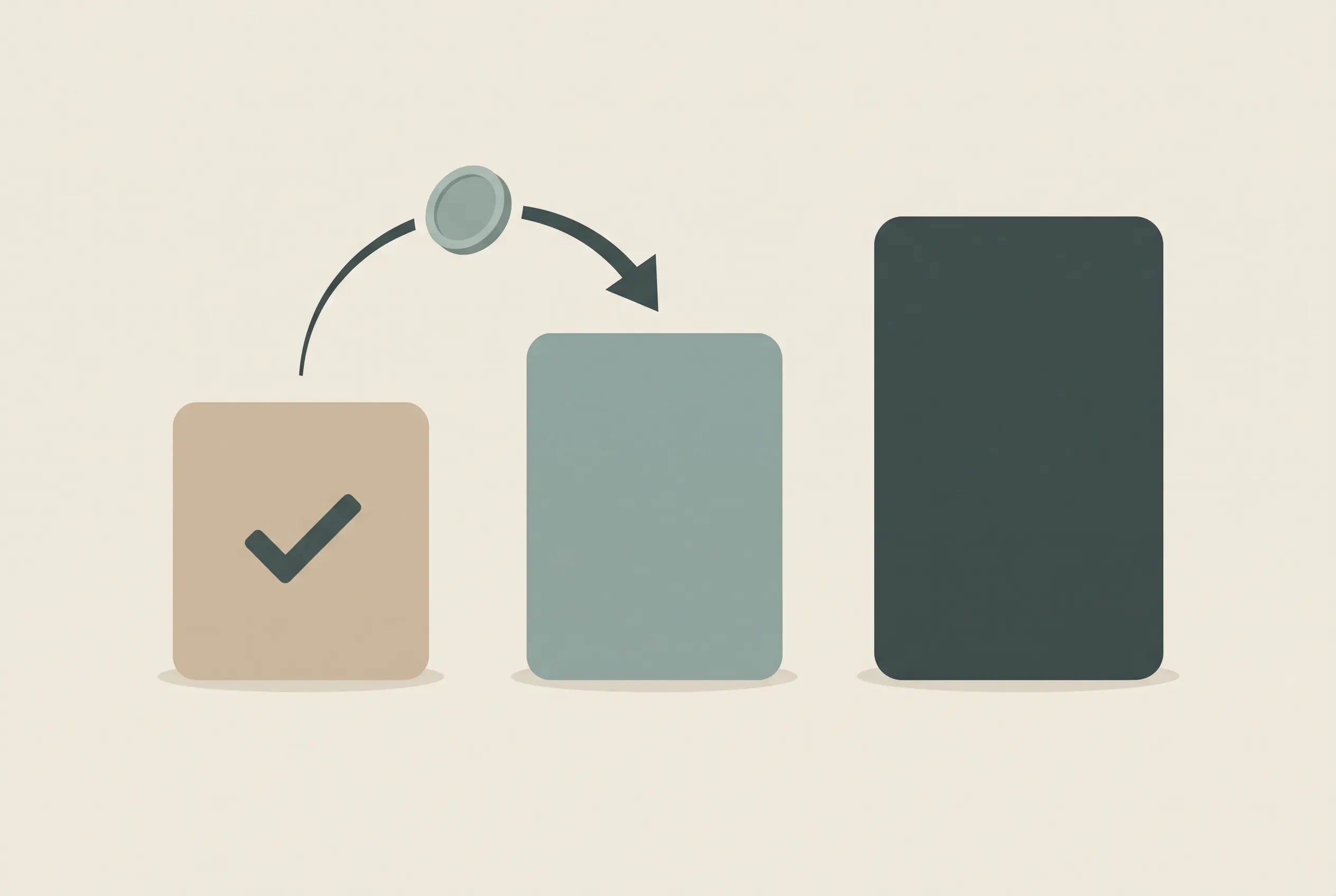
The rollover is the full amount you had been paying to a debt after it is paid off. In the sample layout, the store card gets $135 per month: its $35 minimum plus $100 extra. Once its balance reaches zero, that $135 can be added to the next debt's $50 minimum, making the planned payment to that row $185, if the same total monthly amount remains available.
Record the change in two places: mark the first debt paid off, then update the next row's planned payment. Keep the minimums on the remaining debts visible. If a payment amount or minimum changes, recalculate the rows from the latest statement instead of carrying forward an old figure.
[Unique insight] A row that records both the planned amount and the payment posted gives you a rollover check. Once a debt is cleared, the next row's planned payment should include its own minimum plus the freed payment.
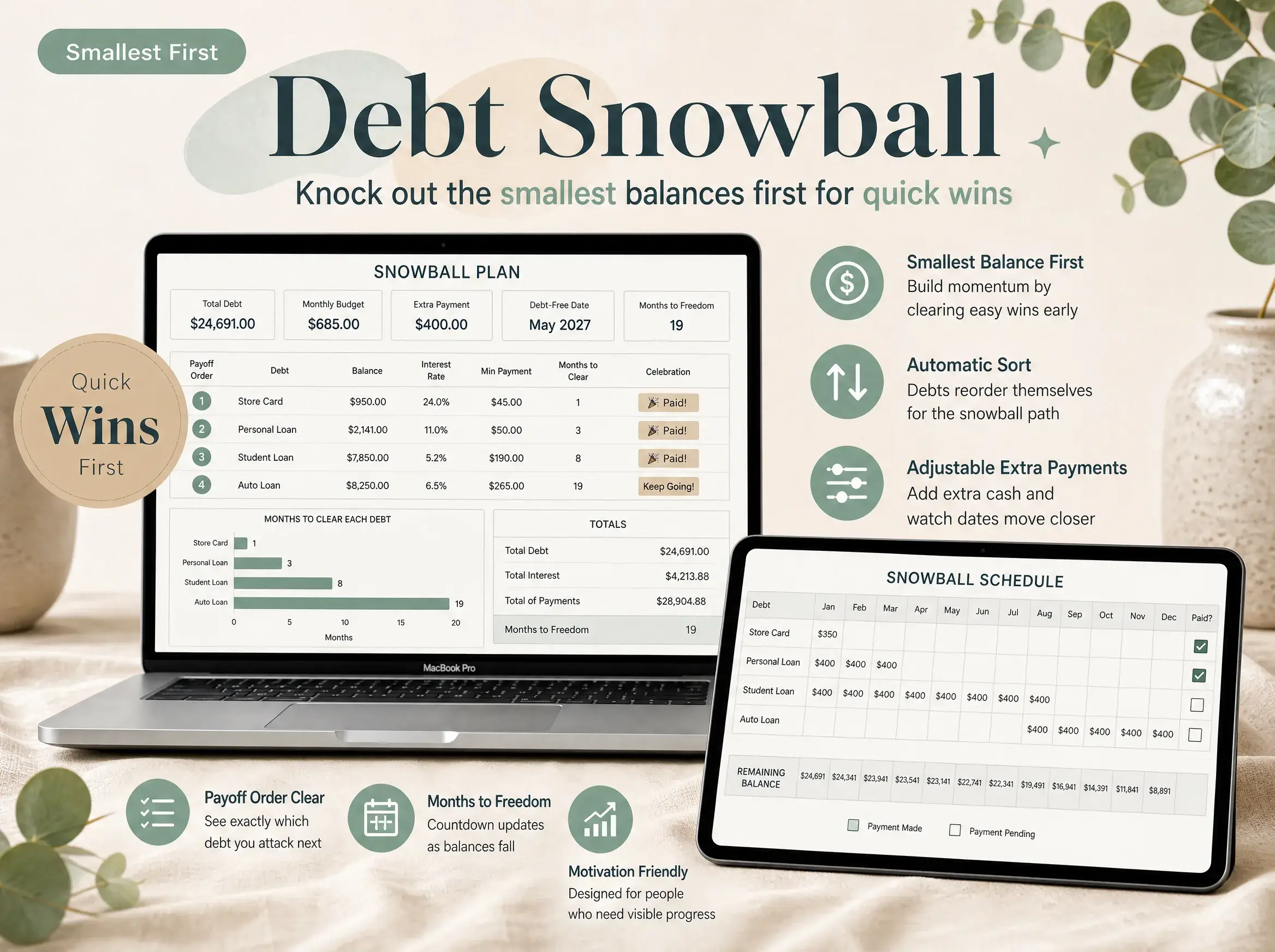
This is where a paper form can become hard to maintain: the order and payment amount both change. A printable can still work if you date each update and keep the previous page. A spreadsheet can sort the list again after a balance changes. For more on the spreadsheet version, see how to set up a debt snowball spreadsheet without writing formulas.
Paper Worksheet or Spreadsheet?
Choose paper if you want a simple page to write on and you will update it consistently. Ramsey Solutions lists a Debt Snowball form among its useful forms. It is a fair choice when you want a basic list to mark off by hand. Its official explanation of the snowball describes listing debts from smallest to largest and rolling a cleared payment into the next one. A paper form does not automatically recalculate balances or move a row when the order changes, so review it after every update.
Choose a spreadsheet if you want to sort updated balances, keep a history, or calculate a schedule. The CFPB's debt worksheet is another free starting point for organizing the list. It captures key fields such as payment, due date, rate and amount owed, while a spreadsheet can add formulas if you build or choose them.
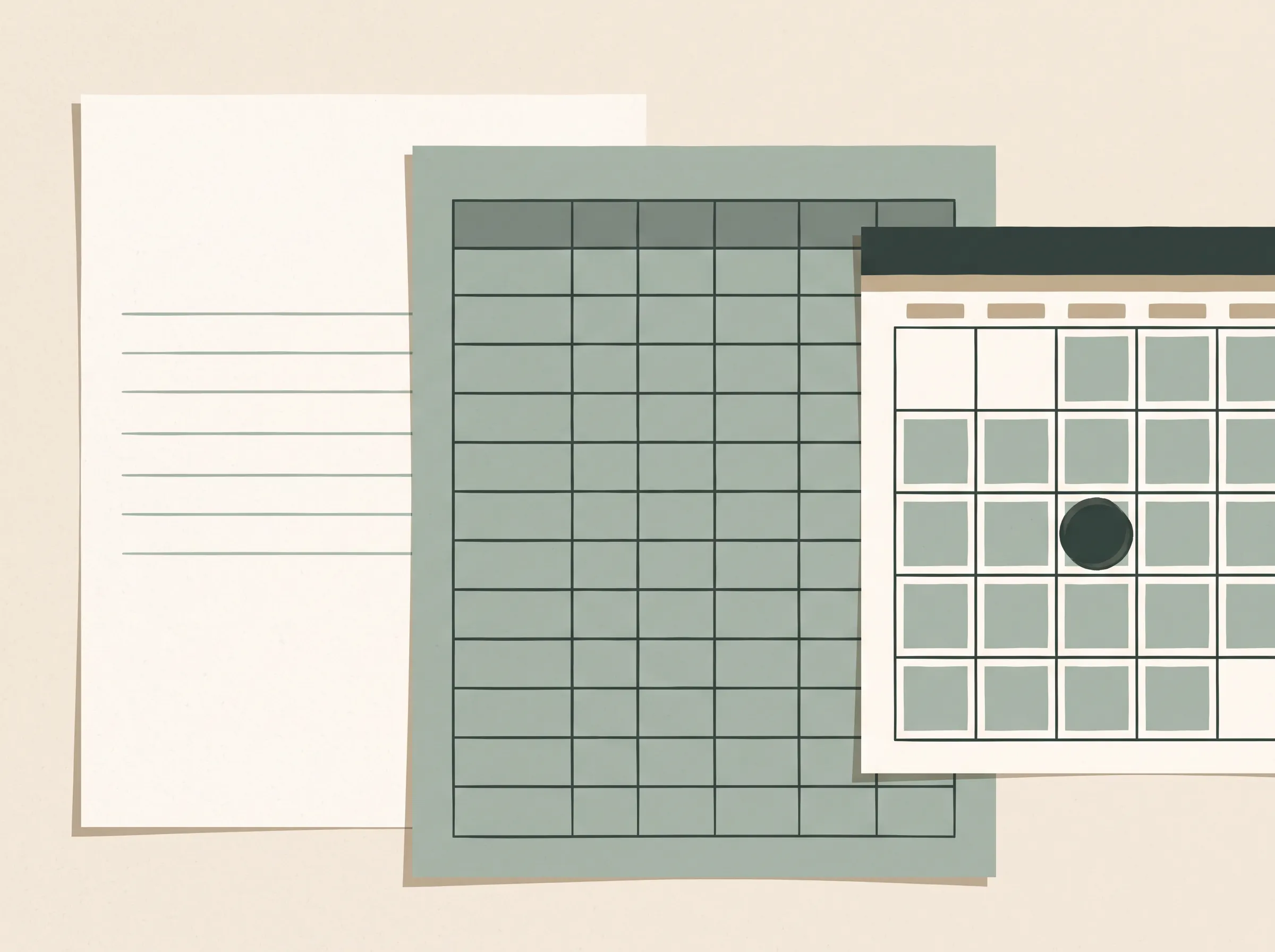
Check each template's features before you download it. A fill-in form may record a payoff plan without calculating interest or a projected date. A calculator may show a date but not preserve your monthly history. To keep the schedule current as payments post, set up a debt tracker in Google Sheets.
What to Check at Each Monthly Update
Review the worksheet after statements arrive or payments post. Compare it with the current creditor records before changing the plan.
- Confirm each balance, minimum, rate and due date against the latest statement.
- Note any new fees, purchases, rate changes or promotional terms that could affect a balance.
- Re-sort the list by current balance, smallest first.
- Confirm the planned payment still covers each required minimum.
- Move the previous payment to the next debt only after you confirm the first balance is cleared.
- Update the date you checked the information.
If the available payment changes, write down the new amount and update the plan. A projected date is an estimate, especially for credit cards where interest and payments may be applied during a billing cycle. Use creditor statements for amounts due and current account terms.
How Debt Payoff Planner Fits
If you want a file that tracks both snowball and avalanche orders, Debt Payoff Planner, the snowball and avalanche spreadsheet for Excel and Google Sheets includes up to 40 debts in one file, an auto-sorted payment schedule, and an interest and debt-free date that update. It is a spreadsheet, so you enter and maintain the figures yourself; it does not connect to bank accounts.
How We Put This Together
We're the Cosmo Suite team behind this spreadsheet. We checked the CFPB debt worksheets and Ramsey's official useful-forms page on 31 October 2026. The sample rows above are illustrative and show how the columns and rollover fit together. This is general information, not financial advice.
Frequently asked questions
What should a debt snowball worksheet include?
Include the debt label, current balance, minimum payment and due date. Add the APR and last-checked date so you can review the order when the figures change. A payment column lets you track what you paid after covering minimums.
How do I order debts on a snowball worksheet?
List debts by balance, smallest first. Pay at least each required minimum, then put the extra toward the smallest balance. After it reaches zero, add its payment to the next debt.
Can I print a debt snowball worksheet?
Yes. Paper works when you keep the balance and payment notes current. A spreadsheet can sort the list again after balances change. Use creditor statements for current balances, rates and due dates.
Is a snowball worksheet better than a payoff calculator?
They have different jobs. A worksheet records the debt list and payment progress. A calculator estimates a schedule from entered numbers. Check its assumptions because timing, fees and interest can change the result.
Sources
Keep reading
Spreadsheets and Tools
How to Set Up a Debt Snowball Spreadsheet (Without Writing Formulas)
Debt snowball spreadsheet setup in 5 steps for Excel or Google Sheets, with the rollover explained and a 4-debt example worked out to April 2029.
· 7 min read
Spreadsheets and Tools
Debt Payoff Spreadsheets That Pick Your Order (Matched to Your Debts)
Debt payoff spreadsheet basics: the 6 columns it needs, how it picks your payoff order, and a 4-card example worked out to a real debt-free month.
· 8 min read
