Debt Tracker in Google Sheets: Set Up a Clear Payoff Date
Debt tracker Google Sheets setup: log balances, APRs and minimums, compare payoff orders, and update the schedule when payments post or rates change.
By Debt Payoff Planner by Cosmo Suite · Editorial policy
Published · 8 min read
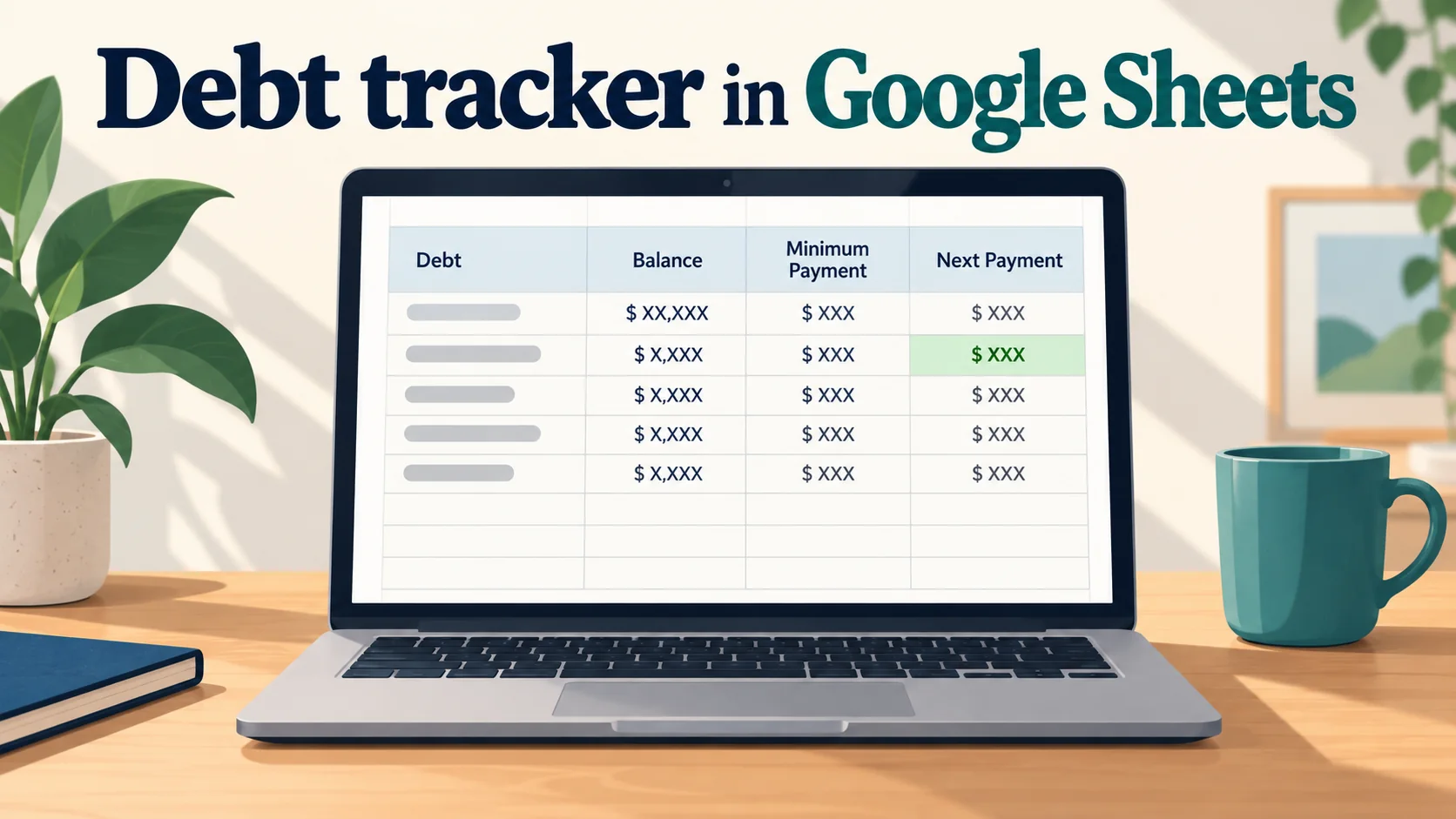
Debt tracking in Google Sheets puts balances, minimums, due dates, and the payoff order in one place you can open on a computer or phone. Debt Payoff Planner is a spreadsheet from Cosmo Suite that tracks up to 40 debts, shows snowball and avalanche side by side, and keeps an auto-sorted payment schedule. Begin with six fields: debt label, balance, APR, minimum, due date, and last checked date. Then sort by smallest balance or highest APR. You can build a sheet yourself, open an Excel file in Sheets, or make a private copy of a ready-made tracker. The example below works through three fictional debts under both payoff methods. Its interest totals use a monthly APR/12 estimate. Your issuer may calculate interest daily, so treat the example as a planning model.
Your date, from the example below:
- Payoff order: credit card, store card, personal loan with the avalanche; store card, credit card, personal loan with the snowball.
- Debt-free month: October 2028 under either method, starting in November 2026.
- The change that moves the date most: lowering the example's monthly total from $480 to $400 adds six modeled months. Switching methods changes modeled interest by $122.78, but not the finish month.
A Debt Tracker in Google Sheets at a Glance
A debt tracker can be a short checklist, a formula-driven sheet, or a ready-made workbook.
| Approach | What you set up | What to check | Best for |
|---|---|---|---|
| Paper or a blank sheet | Debt, balance, rate, minimum, due date | Re-sort after a balance or rate changes | A short list that rarely changes |
| Your own Google Sheets tracker | Input columns, a sort, and formulas for interest and payoff dates | Test formulas against one statement cycle | Someone who wants to build and maintain the calculations |
| A ready-made tracker | Enter your debts and choose a method | Confirm the imported copy and formulas before relying on it | Someone who wants the schedule and both payoff orders already arranged |
The CFPB's debt worksheet uses the same practical starting fields: monthly payment, due date, interest rate, amount outstanding, and a payoff date or goal. Add a last-checked date so you know when a balance may be stale. A tracker only helps when the numbers match your latest statements.
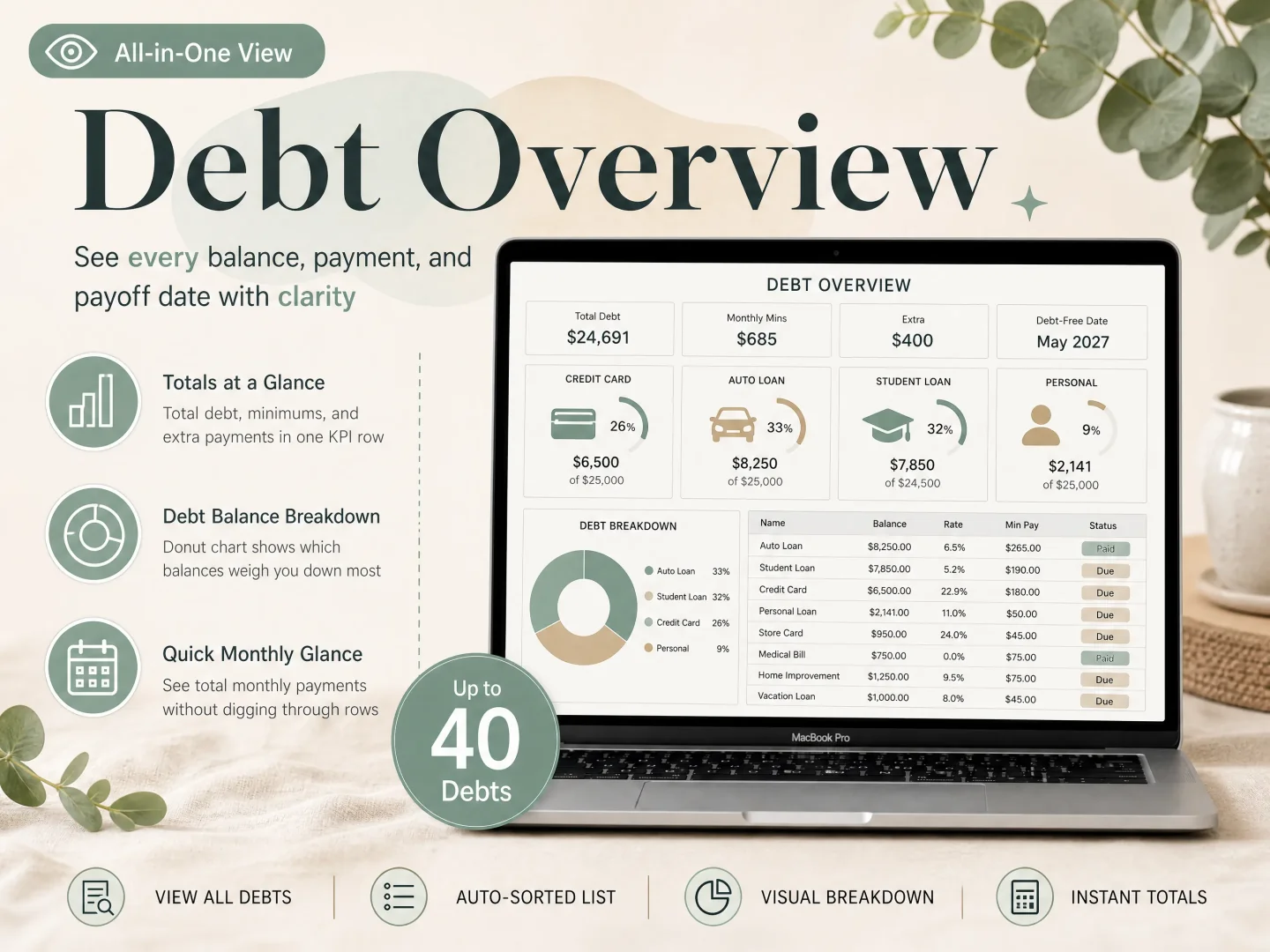
If you've already tried a debt payoff spreadsheet that keeps the order and dates together, the shared copy adds one more routine: everyone needs to know which file is current and which fields they can change.
If you'd rather start with the schedule and payoff order already arranged, a debt payoff spreadsheet with an auto-sorted plan can save the formula setup.
Running It on Real Numbers
On this sample list, both methods finish in October 2028, while the avalanche model estimates $122.78 less interest than the snowball. That result comes from the assumptions below, not from a typical household or a creditor quote.
Calculation method: I modeled the sample month by month using balance × APR ÷ 12, fixed minimums, no new charges or fees, and a steady $480 total payment. It starts in November 2026 with three debts. Each minimum is paid first. Any remaining amount goes to the target debt, and a freed minimum rolls into the next debt.
| Debt | Starting balance | APR | Minimum |
|---|---|---|---|
| Store card | $1,600 | 15% | $60 |
| Credit card | $3,200 | 24% | $120 |
| Personal loan | $5,000 | 9% | $175 |
| Total | $9,800 | $355 |
The remaining $125 is extra. In month one, the store card adds $20 in modeled interest, the credit card adds $64, and the personal loan adds $37.50. The minimums plus the extra payment reduce the combined balance by $358.50 after that month's interest.
| Method | First target | Next target | Final debt clears | Modeled total interest |
|---|---|---|---|---|
| Snowball | Store card | Credit card | October 2028 | $1,510.71 |
| Avalanche | Credit card | Store card | October 2028 | $1,387.93 |
The snowball clears the smaller store-card balance first. The avalanche starts with the credit card because its APR is higher. The two orders reach the same modeled finish month here, but the interest totals differ. Your own dates can change when the balances, APRs, minimums, or payment timing change.
Set Up a Debt Tracker in Google Sheets
Start with a private copy. Keep the cells you type in separate from the formulas.
Open the right version. If you have an Excel
.xlsxfile, upload it to Google Drive and open it with Sheets. Google also lets you convert it with File > Save as Google Sheets, which creates a separate native copy. If you have a direct Google Sheets template link, open it and choose File > Make a copy. The original stays separate from your working file. Google's Excel and Sheets guide explains the choices, and its copy instructions show the menu steps.In the sheet: rename the copy with a month or household label so it is easy to spot.
Use plain debt labels. Name rows “Store card,” “Car loan,” or “Card A.” Don't put full account numbers, login details, or other personal identifiers in the sheet. The CFPB worksheet warns readers not to include names, account numbers, or other sensitive information in a worksheet.
In the sheet: one row should represent one debt, not one payment.
Enter the current balance and minimum. Use the balance and minimum shown on the latest statement. Add the due date, and record when you checked it. The CFPB worksheet linked above is a useful cross-check for the fields.
In the sheet: update the balance after the payment posts, not from memory.
Add the APR and note rate changes. Credit cards can have different rates for purchases, cash advances, or promotional balances. Copy the rate that applies to the balance you are tracking. Set a reminder to check the end date of a promotional rate.
In the sheet: keep a note beside a temporary APR so it doesn't quietly become your long-term rate.
Choose a payoff order. Snowball sorts by the smallest balance first. Avalanche sorts by the highest APR first. Keep paying each required minimum. Send the extra amount to the target debt, then roll that debt's freed payment into the next one. If you're weighing the two methods, compare snowball and avalanche on the same debt list.
In the sheet: check the order after you change a balance or rate. A sort based on old numbers can point to the wrong row.
Check one cycle before sharing edit access. Choose one account and compare the sheet's next balance with the statement after a payment. Small differences can come from payment dates, fees, new charges, or the issuer's interest method. Use that check to understand what the forecast includes.
In the sheet: keep the working copy private until its owner is comfortable with the formulas. Then share it with a partner as Viewer or Editor, depending on whether they need to make changes.
Google Sheets also lets you edit cells in its mobile app. A phone is handy for checking the order or entering a balance while the statement is open. Initial setup is easier on a larger screen, especially if you need to inspect formulas or compare several debts at once.
What a Debt Tracker Can and Can't Predict
A spreadsheet gives you a planning estimate. It can't promise the exact date a card will reach zero because issuers may calculate interest daily and use different APRs for different balance types. The CFPB explains that many card issuers use an average daily balance and that payment allocation can depend on the type of balance.
APR ÷ 12 makes the example easy to follow, but the result may differ from your account's daily interest charge. Payment dates, fees, new purchases, rate changes, and payment allocation can all change the result.
Track your list and payoff order in the sheet, and rely on each issuer's statement for the amount due and current terms. Update the APR if it changes or a promotional period ends. The avalanche spreadsheet setup guide explains the highest-APR order; the snowball spreadsheet steps cover the smallest-balance order.
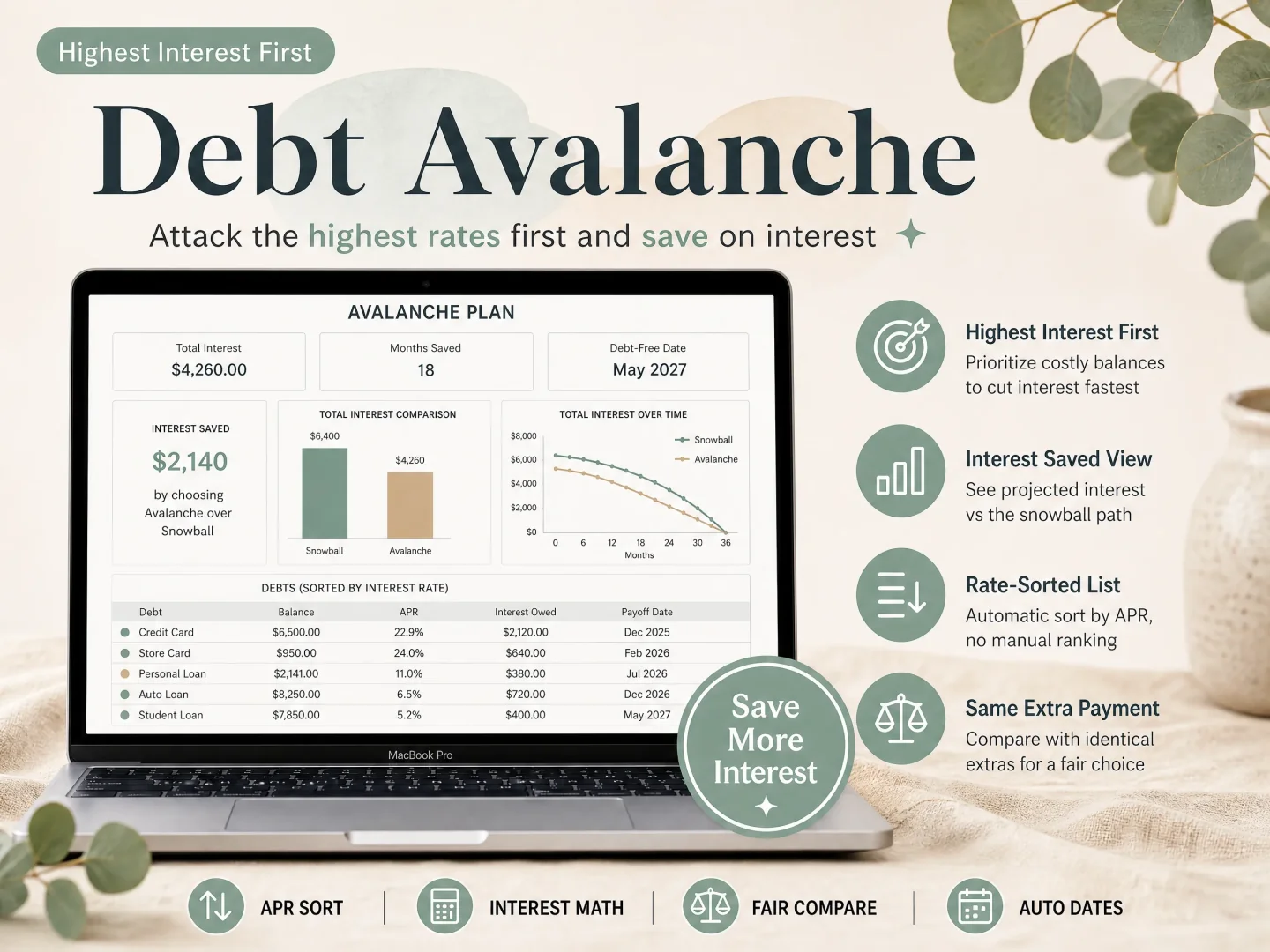
What Moves Your Debt-Free Date Most
In this example, changing the monthly total moves the finish date more than changing the payoff order. At $480 a month, both methods finish in 24 months, in October 2028. At $400 a month, the same model takes 30 months, through April 2029. With the $480 total held steady, the avalanche reduces modeled interest while the snowball clears the smaller balance first. Your figures may produce a different result.
After one debt reaches zero, keep the total payment steady if your situation allows. Add the freed minimum to the extra amount for the next target. If you lower your total payment instead, the schedule stretches out. If your available payment changes, enter the new amount and review the date again.
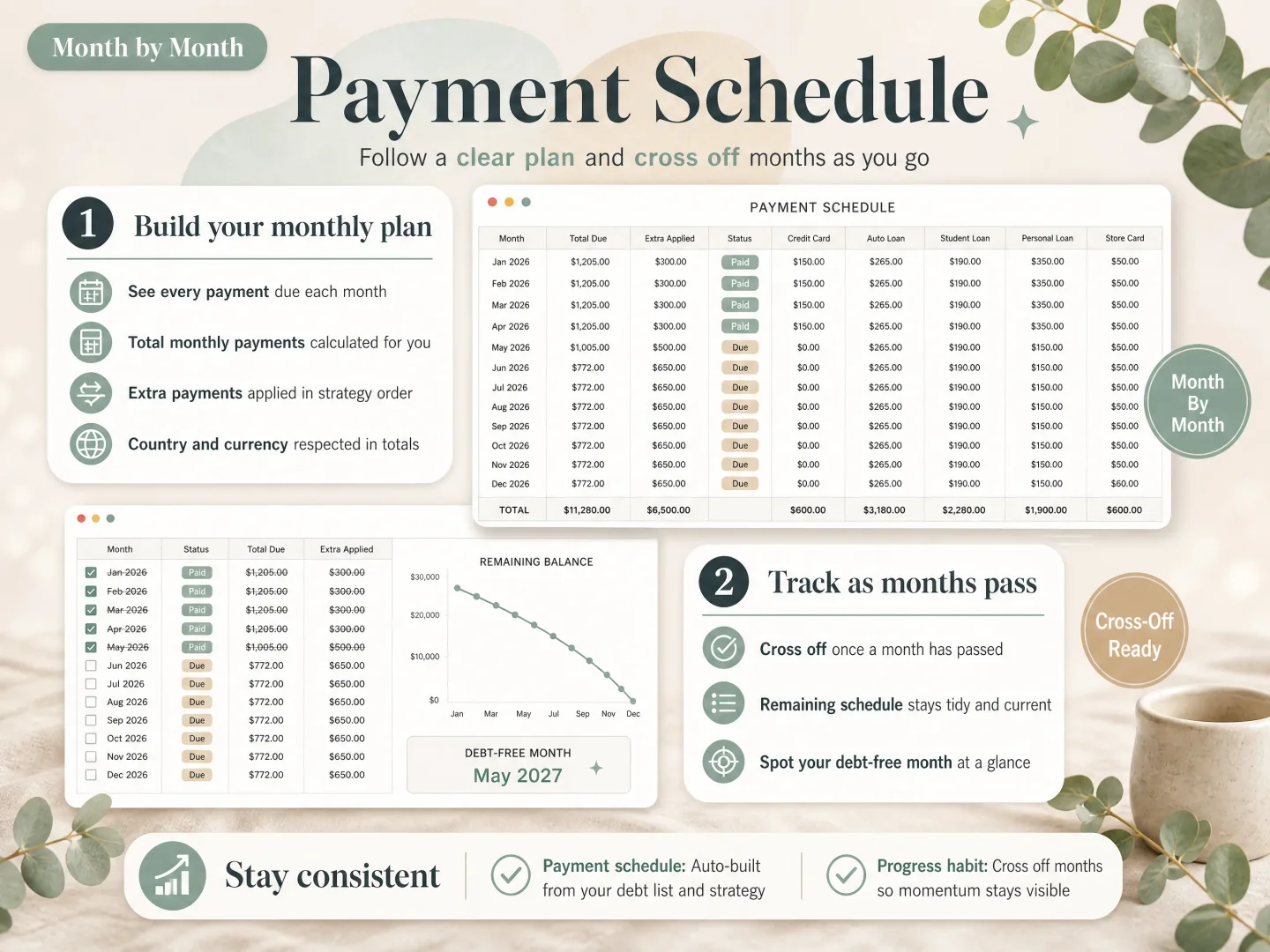
Check that your schedule shows both the payment order and the month each debt clears.
When a Ready-Made Tracker Helps
A blank sheet works if you want to build the formulas and maintain them yourself. A ready-made file can be easier when you want to enter a list and see an order and schedule without designing every tab. Debt Payoff Planner includes Excel and Google Sheets versions, can hold up to 40 debts in one file, and shows the snowball and avalanche side by side. It is a spreadsheet and does not connect to bank accounts.
The download includes the workbook and a Google Sheets copy link in its delivery PDF. Make your own private copy before entering balances.
How We Put This Together
We're the Cosmo Suite team that built Debt Payoff Planner. Read about us and how to contact us and our editorial policy for how we review product and financial information. We checked Google's spreadsheet instructions and the CFPB's debt worksheet and credit-card interest explanation on 19 October 2026. The example uses a monthly APR ÷ 12 calculation, fixed minimums, no fees, and a steady $480 payment. This is general information, not financial advice.
Frequently asked questions
What columns should a debt tracker include?
Begin with a debt label, current balance, APR, minimum payment, due date, and the date you checked it. Add a payoff order and projected date if the tracker calculates them. Use labels like Card A instead of account numbers.
Can I open an Excel debt tracker in Google Sheets?
Yes. Upload the .xlsx file to Drive, then open it in Google Sheets. You can keep editing it in Office format or choose File > Save as Google Sheets to create a native copy. Check the formulas and layout after conversion.
Can I edit a debt tracker on my phone?
Yes. The Sheets app lets you edit cells on a phone. Enter the balances on a computer, then use your phone to check the order or enter an updated figure while you have the statement open.
How often should I update a debt tracker?
Update a balance after its payment posts or when a new statement arrives. Check the APR, minimum, and due date when your issuer changes them. A monthly review can help, but pay each account by its actual due date.